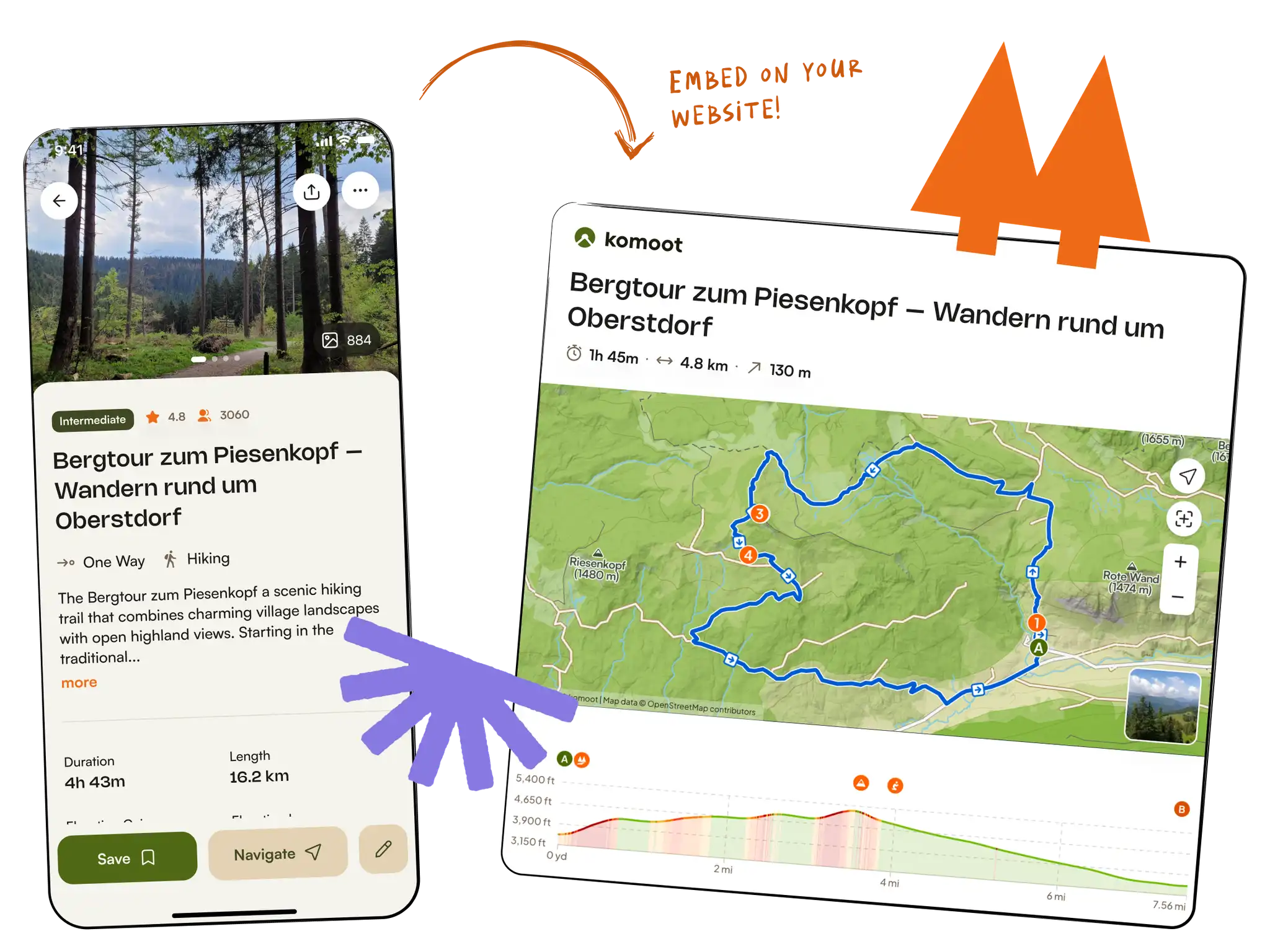
Turn your tours into embeds.
Pick a route, collection, guide, highlight or athlete profile. Customize the layout. Copy a single snippet. Drop it onto your blog, magazine or club site — no plugins, no account.
Type to search in komoot, or paste a tour, collection, guide, highlight or profile URL.
Try a sample:
Sample tour — Bergtour zum Piesenkopf
Tour
Pick a style
Width
Default 100% fills any column your readers see. Switch to px to lock the embed to a fixed size — useful when your site has a wide content area or you want to match a specific layout.
Preview
Desktop content column · 760 px
Your embed code
Better than a screenshot, easier than an iframe.
Komoot embeds are designed for creators and publishers. They show real tour data, look great on every screen, and credit komoot back to your readers in a way Google can see.
Built for SEO, not just looks
Every embed links back to komoot with a canonical URL Googlebot can crawl. Your readers get the full interactive map; you get a clean, authoritative outbound link.
One-tap customization
Pick a style — compact card, map-only, photo strip — and the snippet updates instantly. No CSS to write, no iframe to babysit. Works for tours, collections, guides, highlights and profiles.
Free, no account needed
Embeds are free for personal and commercial sites alike. No komoot account required, no API keys, no rate limits, no expiry. Paste the snippet and ship.
How it works
Three steps. Two minutes. One snippet you control.
Find what you want to embed
Search for a tour, collection, guide, highlight or profile, or paste a komoot.com link straight into the box.
Pick a layout
Choose a one-tap layout — map only, compact card, photo strip, grid … The live preview updates so you see exactly what your readers will see.
Copy and paste
Copy the snippet, paste it into your WordPress / Squarespace / Wix / Webflow page. Done.
Trusted by publishers and tourism boards.
From major newspapers to tourism boards, outdoor magazines, and adventure brands — komoot embeds power route content across the web.
Frequently asked questions.
How do I add a komoot embed to my website?
Pick a tour, collection, guide, highlight or user profile using the generator above. Choose a layout, copy the snippet, and paste it anywhere your site editor accepts HTML — a custom HTML block, a code widget, or directly into the page source.
What can I embed from komoot?
Tours and smart tours (the routes you find on Discover), collections, guides, highlights, and user profiles. Each one supports a few layouts (map only, compact card, photo strip, list, grid …) so you can match the embed to the space you have.
How do I add a komoot embed in WordPress?
In WordPress with the block editor, paste the full komoot.com URL into an empty paragraph and WordPress will auto-embed it via oEmbed — no plugin needed. Prefer full control? Use a Custom HTML block and paste the snippet from this page instead.
Squarespace, Wix, Webflow, Medium … do they all work?
Squarespace, Wix and Webflow all support custom HTML blocks. Drop one onto the page, paste the snippet from above, and the embed renders. The same approach works in Ghost, Notion (via /embed), Medium (via the URL-paste flow) and most modern editors.
Are embeds responsive?
Set `width="100%"` in the snippet and the embed fills its container. The height is a fixed pixel value — pick the one that suits the layout you chose; the live preview above shows exactly what your readers will see.
Do I need a komoot account?
No account needed to generate an embed and no account needed to view one. Embeds are free for personal and commercial sites, with no rate limits or expiry.
Can I plan my own tour and embed it on my blog?
Absolutely. Sign up for a free komoot account, plan your route with the komoot route planner, save it, then come back here to generate an embed snippet and drop it into your blog. No subscription, no fees — just your tour, on your site.
Can I embed private content?
Only public content can be embedded. Private tours and private profiles won’t render for your visitors — the iframe will show a friendly placeholder asking them to sign in.
Can search engines see embed content?
Yes. The embed sits inside a regular iframe and the surrounding link is a plain anchor pointing at the canonical komoot URL. Search engines see and follow it.
Add komoot to your site in two minutes.
Search for a tour, collection, guide or highlight — or paste any komoot.com link — and copy the snippet straight into your blog, magazine or club site.